Building Termosafe
An IoT temperature monitoring platform — a full design-to-code handoff, and what it really takes to get an AI agent to build the design.
1/4 • setup
Product
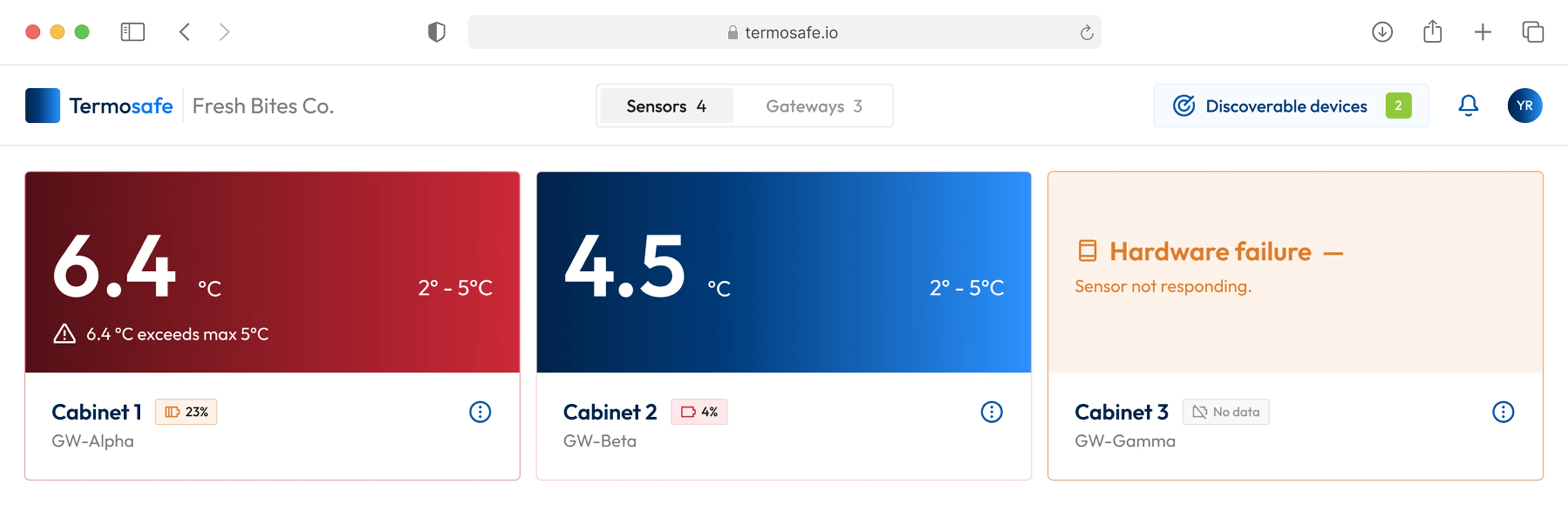
Termosafe is a hardware monitoring platform for commercial refrigeration. Sensors mount inside the fridges and freezers and report temperature continuously; the platform is where that data becomes readable.
The customers are businesses running more units than anyone can keep an eye on: supermarket chains, independent grocers, restaurants.

Domain
Cold chain monitoring

Timeline
April 2026 • 2 weeks planned, 3 weeks delivered

My role
Sole designer and frontend builder

Team
2 people • Me and the founder (embedded engineer)
The problem
There was working hardware, but nothing to sell.
Sensors that report numbers are not a product. Someone has to see the data, understand it and act before the food is gone.
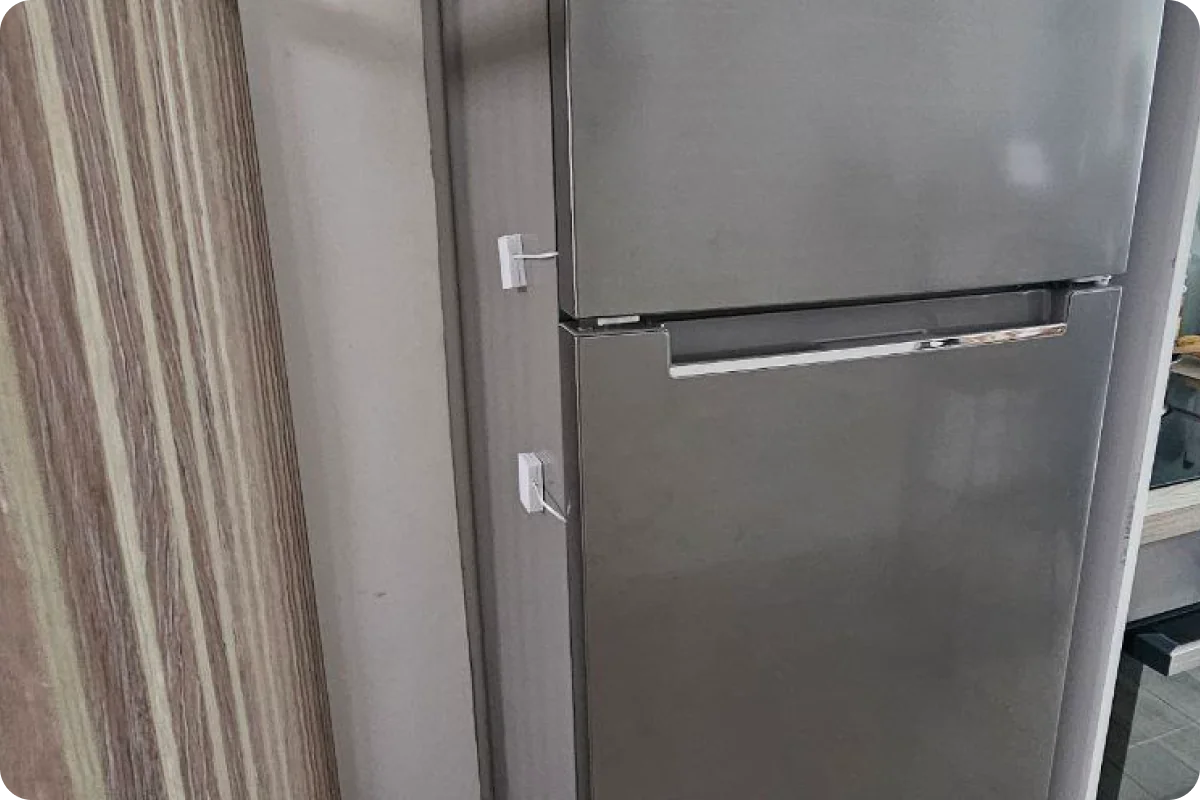
Scope
One responsive web application — but the hard part was never the happy path. The software talks to physical hardware, and hardware disconnects, loses battery, drops signal, and fails outright. So the interface has to say why there’s no reading.
Success criteria
Something real enough to demo to prospects, and complete enough to install and run against live sensors.
2/4 • payoff
Shipped, and running on real sensors
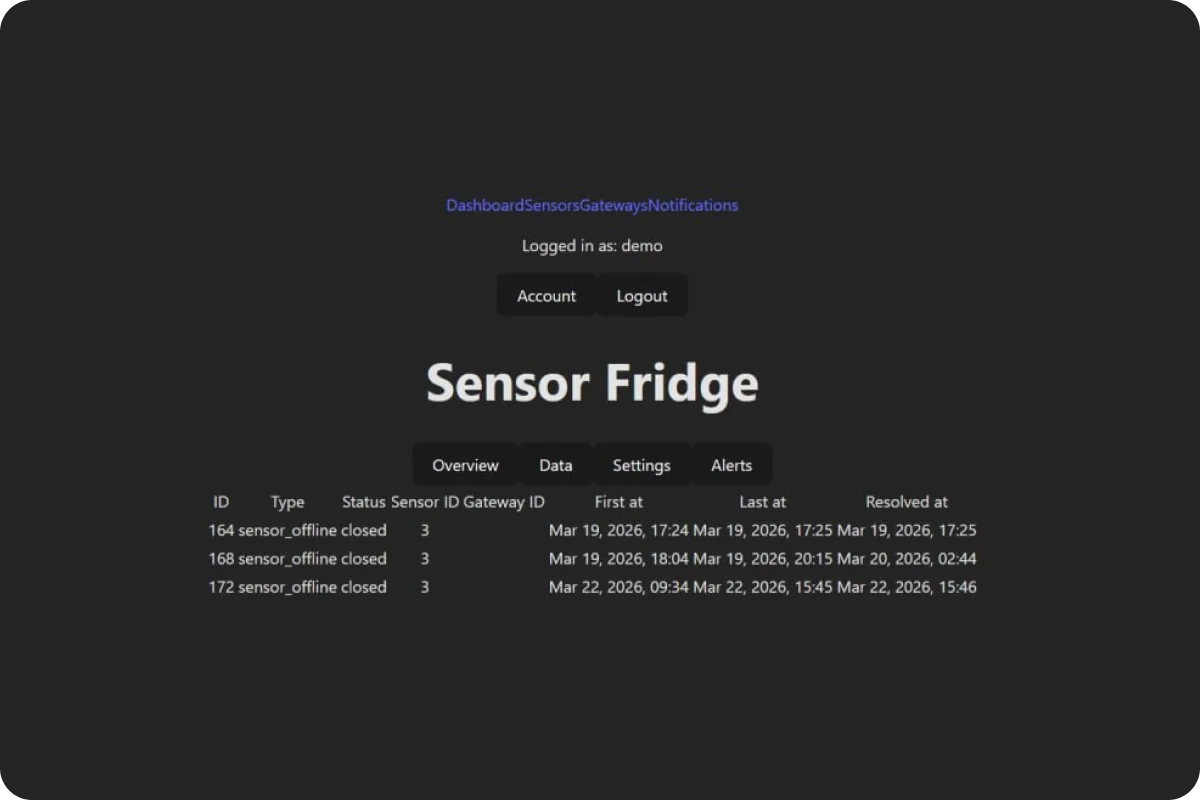
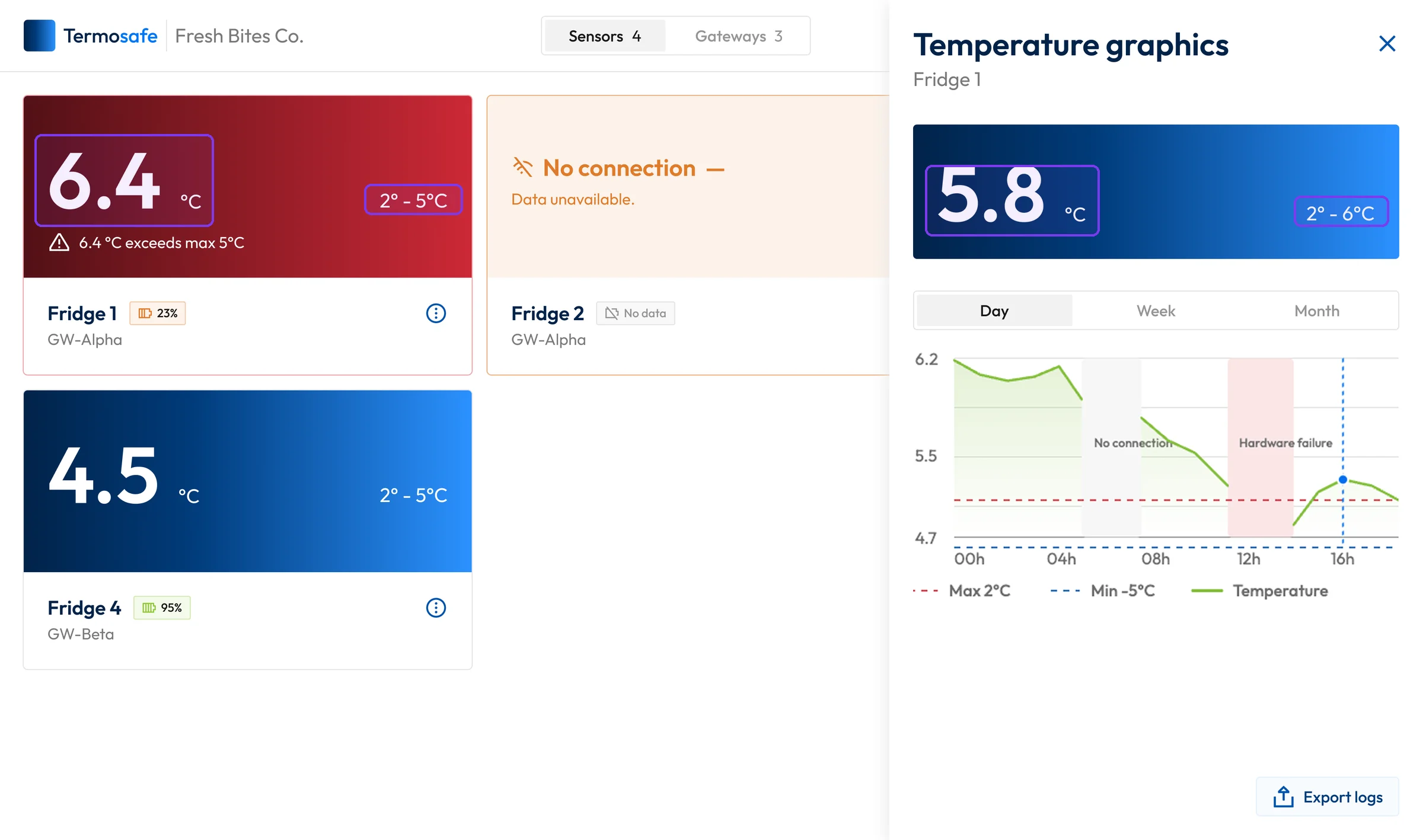
A working web application, running against real sensors. The interface was built screen by screen by directing an AI agent, with no frontend developer on the project — and the final build matched the design.
The MVP is live and installed: running with a first trial client, alongside the test installation. It cleared both criteria set at the start.
Review

I highly recommend Viktoria as a designer who can make a digital product from zero to production. She approached the project with clear professionalism — structured, communicative, and detail-oriented throughout.
Her ability to leverage AI tools effectively resulted in a high-quality, well-crafted interface delivered efficiently. A true pleasure to work with.

Yurii Rivnyi
Founder & Embedded engineer • Termosafe
3/4 • journey
Starting with function, not interface
Nothing was designed until the structure was settled.
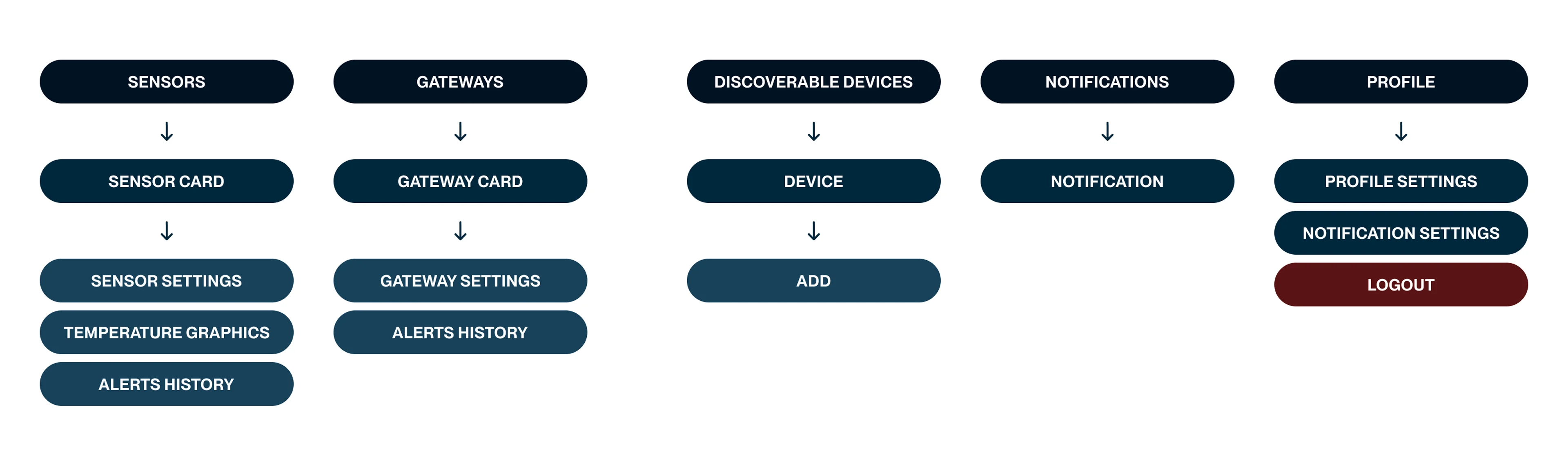
With the navigation discussed and locked, the prototype came next — built in Claude, straight from that structure. It mattered to have something working rather than described: the whole application in one place, easy to add to and cut from.
Creating a visual language
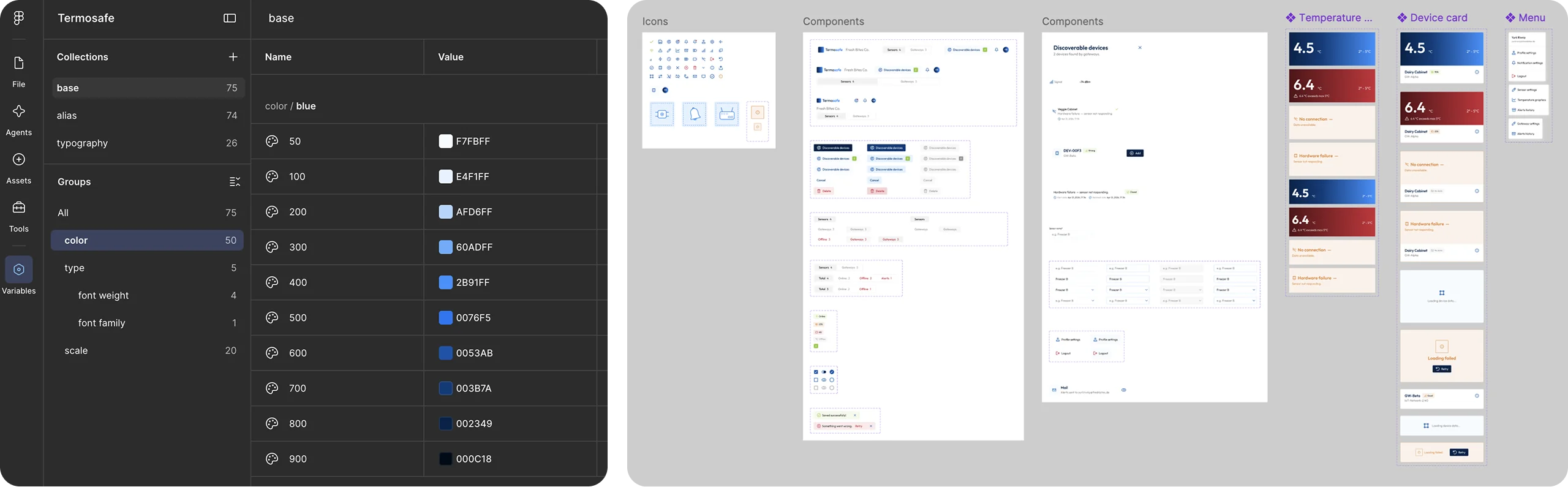
The visual language was built from scratch and applied over that structure — in Figma: a component library with design tokens, then the screens.
Designing for hardware that fails
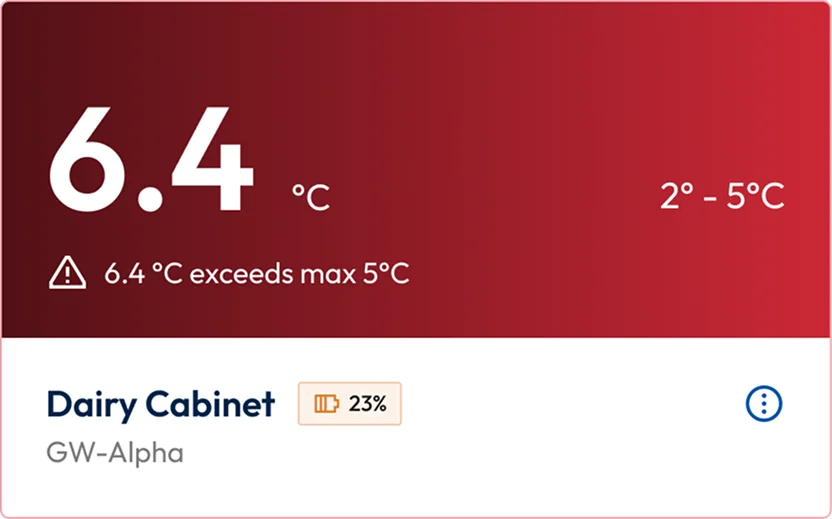
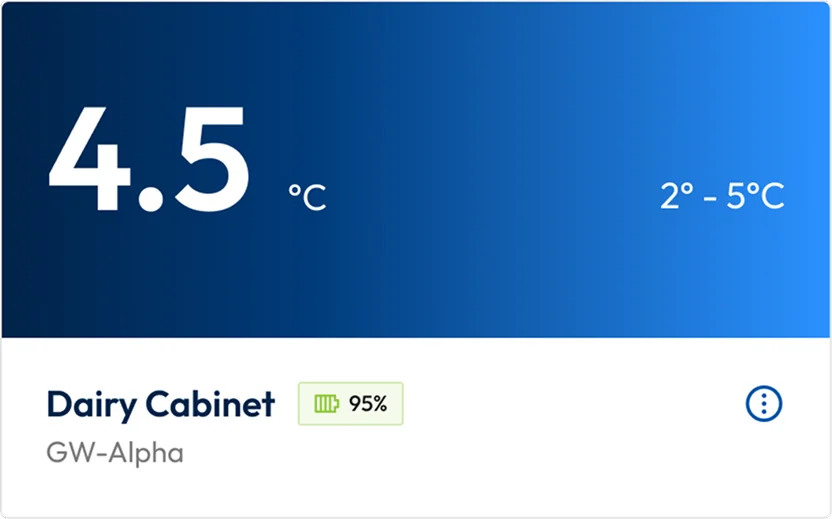
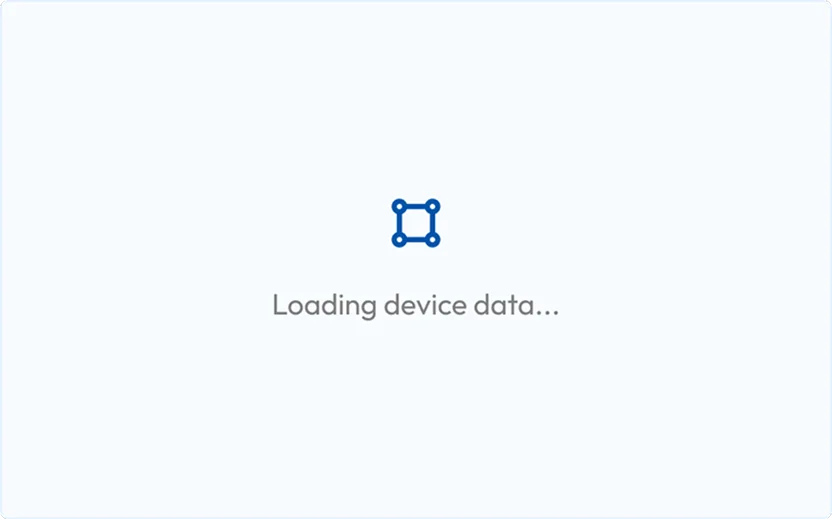
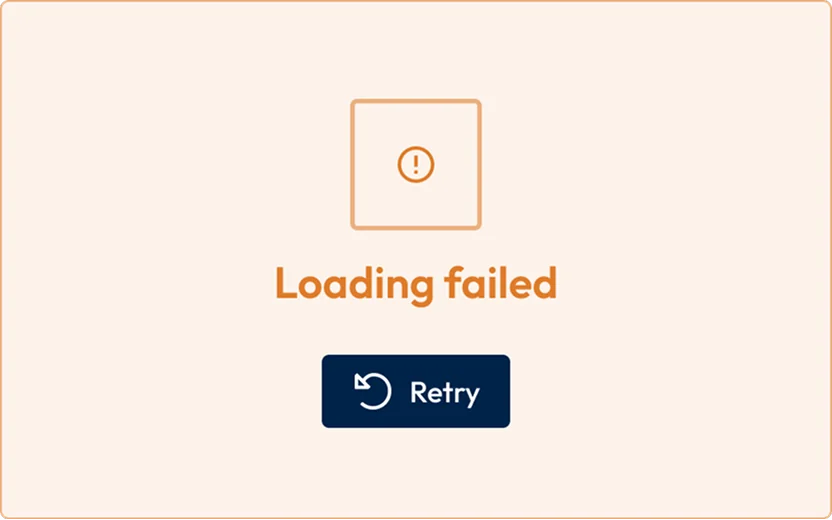
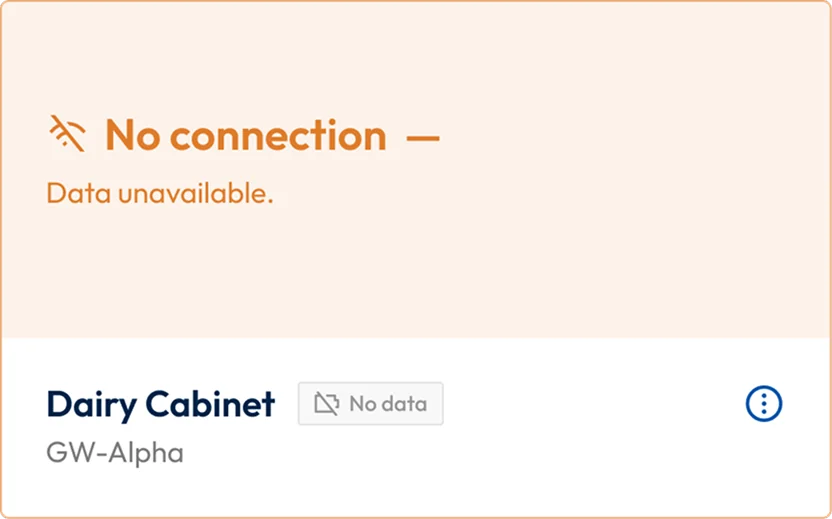
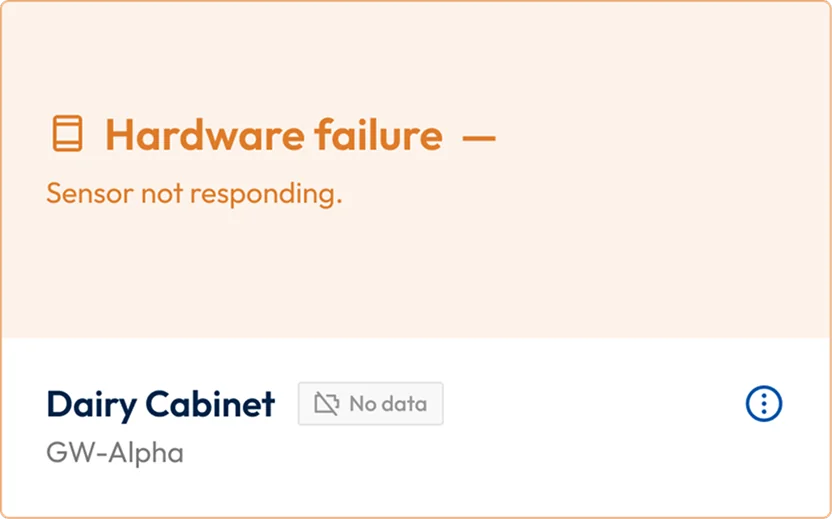
Sensors lose connection. Batteries die. Signal weakens. Hardware fails outright. All of it was designed: what each failure looks like, what it says, and what the user is supposed to do about it.
Handing it to the agent
The design was locked before the build began, and the handoff was as complete as I could make it: written build instructions, the design tokens exported as JSON, and a direct connection between Codex and the Figma file.
The tokens landed correctly about 80% of the time. Codex had the instructions and the source of truth in front of it, and still substituted its own interpretation wherever the spec left room — which is where the details went wrong.
Where it actually broke
Interaction bugs were visible everywhere: pieces built later quietly contradicting pieces built earlier, because nothing had ever specified the entire system.

The limits meant waiting 2–3 hours, twice a day.
Working with the Codex limits
Upgrading wasn’t in the budget, so the schedule was reshaped around the tool. It’s a real condition of building this way, and it’s rarely mentioned.
4/4 • reflection
What I’ve learned

Building screen by screen left the connections unspecified
I built the application one screen at a time, and checked each piece as I went. The problem was that a later piece would change how an earlier one behaved. That’s where things broke.
What I’d do differently

Describe the entire system
Not a longer brief — a specific document: every state a device can be in, which view wins when two of them disagree, and what each screen owes the others.

Take the bigger Codex plan
At the time, waiting out the limits looked cheaper than upgrading, and on that budget it was a reasonable call. Now I’m curious what a bigger plan would change.
Let’s connect
Currently
open to Staff & Principal roles
—
full‑time or fractional.

